Construction projects create enormous amounts of information.
Drawings are revised. Documents are replaced. New files arrive. Decisions are made. Different people upload information at different stages of the project.
Finding a document is one problem.
Understanding what happened, when it happened and what information existed at that point in time is another.
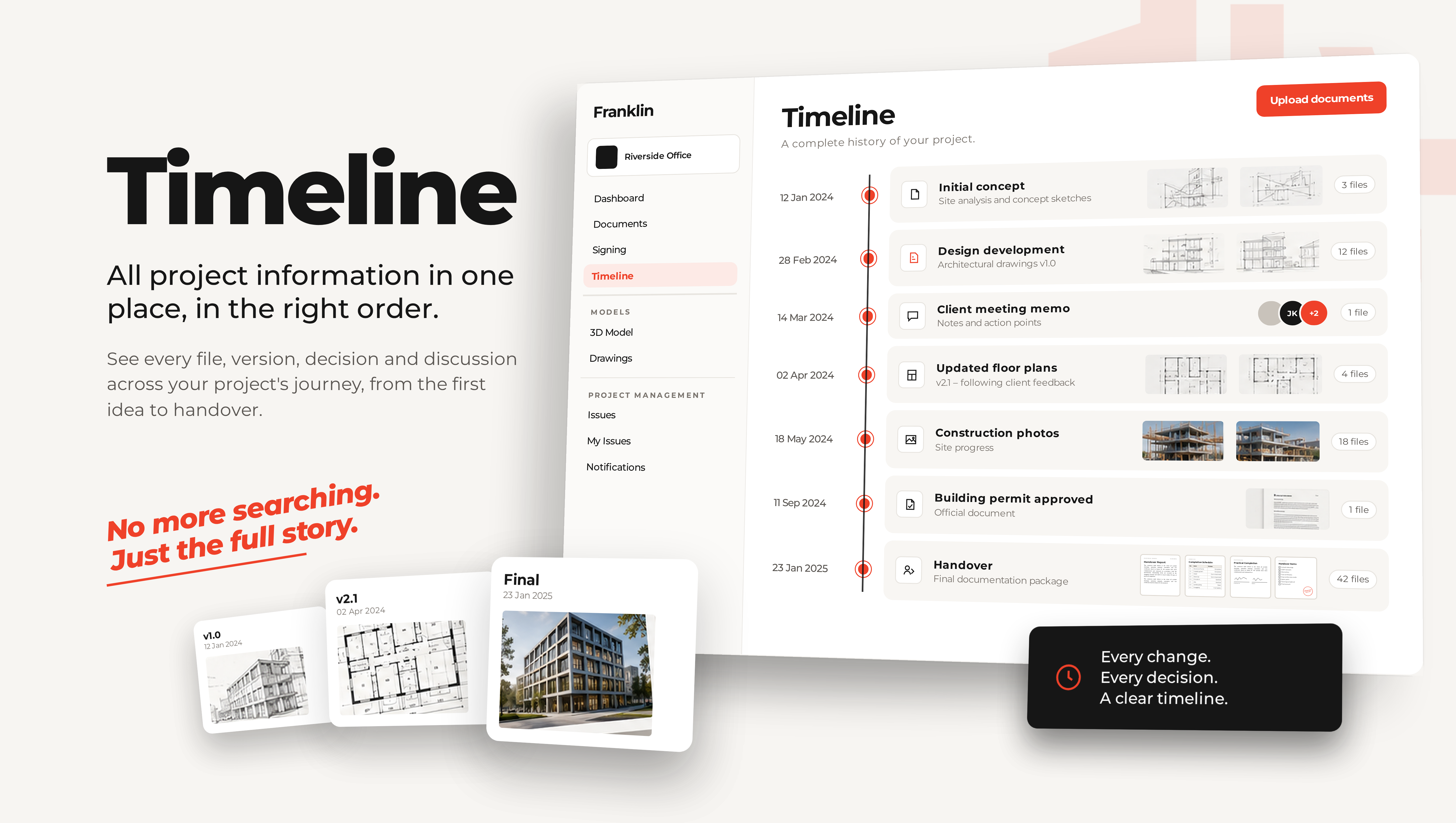
Franklin gives project and development teams a chronological view of their project information, so instead of navigating only through folders, you can follow the history of the project as it actually happened.
During the project, it is your project timeline. After handover, it becomes your building history.
Why are folders not enough for construction project information?
Folders are useful for organising information.
A traditional document structure might tell you that a drawing is stored under:
Project Design Architecture Drawings Revision 04
But a folder does not immediately answer:
When did Revision 04 arrive?
Who uploaded it?
What version existed before it?
What information was available at a particular point in the project?
What else was changing around the same time?
Those are often the questions that matter when you are actually managing a project.
Folders tell you where a document is. A timeline tells you what happened.
Franklin adds the time dimension to project information.
How can I see the complete history of my project documents?
Every file added to Franklin becomes part of the project’s chronological history.
The Timeline shows project information in the order it appeared, giving you a way to move through the project by time rather than only by folder structure.
You can see information such as:
- when a file was added;
- who uploaded it;
- what the file is;
- which project it belongs to; and
- whether another version of the same document exists.
This gives project teams a much clearer view of how project information developed over time.
Instead of only seeing what exists now, you can understand how you got there.
How can I track document versions?
One document can change many times during a construction project.
A drawing may have seven revisions. A specification may be updated repeatedly. A report may be replaced with a newer version.
Franklin recognises versions of the same document and keeps their history connected.
That means you do not have to treat every revision as an unrelated file.
You can follow the document through time and see how its versions developed during the project.
This becomes particularly valuable months later, when the question is no longer:
What is the latest file?
but:
What did we know at the time?
How can I find which document version existed on a specific date?
Imagine a question comes up six months after a decision was made.
Someone says:
“That change was already shown on the drawing in February.”
The latest drawing cannot answer that question.
You need to know what information actually existed in February.
With a chronological project history, you can go back to that point in time and investigate which document versions had been added and what project information was available.
This is one of the fundamental differences between storing documents and preserving project history.
The current state tells you what is true today.
The Timeline helps you understand what was true then.
How can I find something when I don’t know where it was filed?
Years of project information rarely remain as neat as the folder structure originally intended.
Different teams work differently. Naming conventions change. Projects have different disciplines, consultants and phases.
And sometimes you remember when something happened, but not where somebody stored the file.
Franklin lets you search and filter the Timeline using the information you do know.
Depending on what you are looking for, you can narrow the history by criteria such as:
- project;
- date;
- person;
- discipline;
- document;
- file type; or
- keyword.
Instead of needing to know the exact folder path first, you can approach the information from the context you remember.
How can I see what happened across different projects in the same building?
A building’s history is bigger than one construction project.
The original development may finish, but the building continues to change.
There may later be:
- tenant fit-outs;
- technical upgrades;
- renovations;
- equipment replacements;
- extensions; or
- entirely new construction projects.
Franklin’s Timeline can bring the history of those projects together at building level.
You can see activity across the building and filter the Timeline when you need to focus on one particular project, discipline, period or type of information.
That creates an important continuity:
the project can end without the information becoming disconnected from the building.
What happens when a document is deleted?
Knowing that information disappeared can be as important as knowing when it arrived.
Franklin records user activity when files are deleted, including who performed the action.
This helps preserve accountability around changes to project information even when a file is no longer part of the current document set.
A project’s history is not only a record of what was added.
Changes to that information — including removal — can matter when reconstructing what happened later.
Can I open an old document directly from the Timeline?
Yes.
The Timeline is not only a historical list. It is a way back into the project information itself.
When you find the document or version you were looking for, you can open it and continue working with it in Franklin.
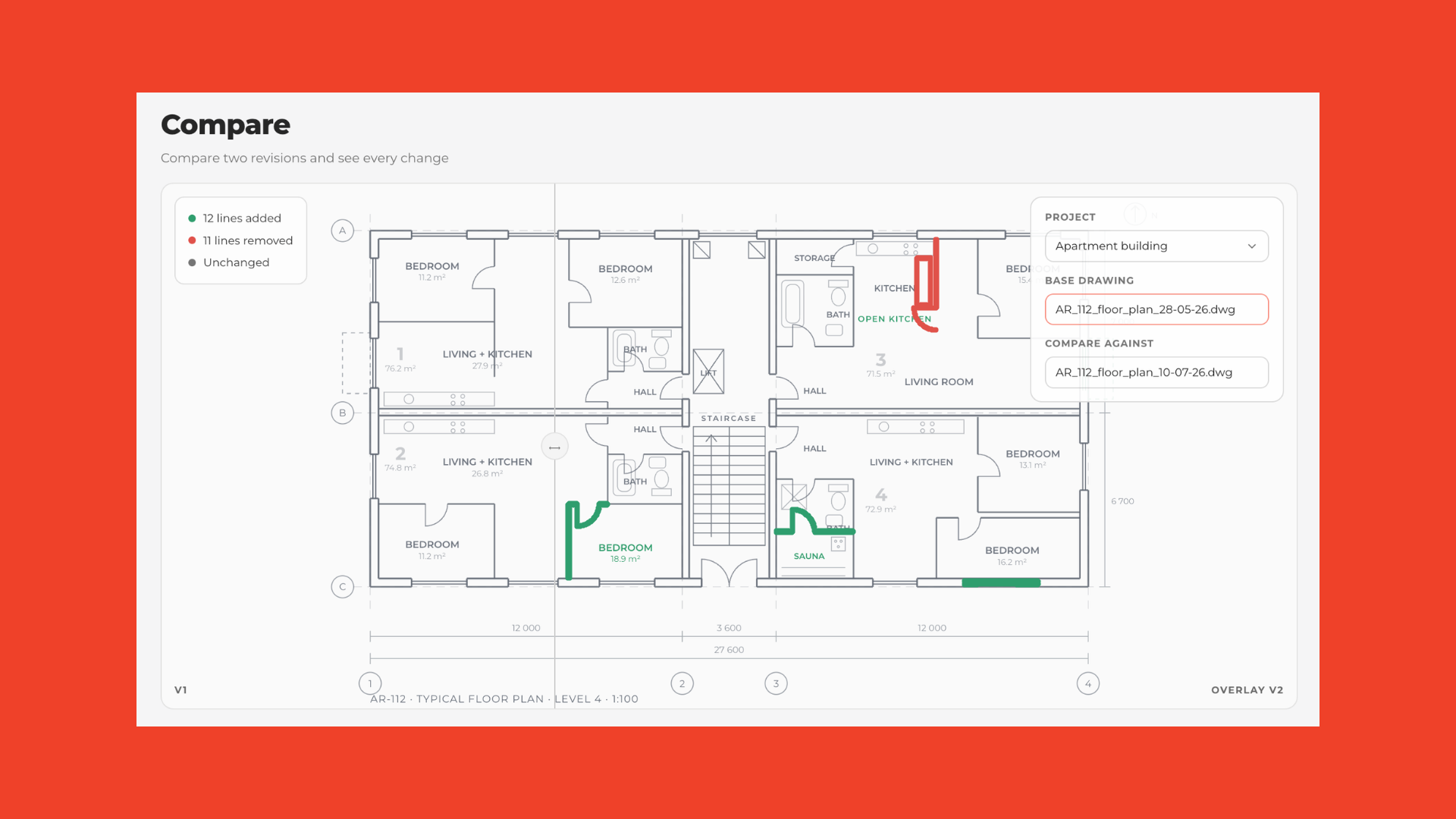
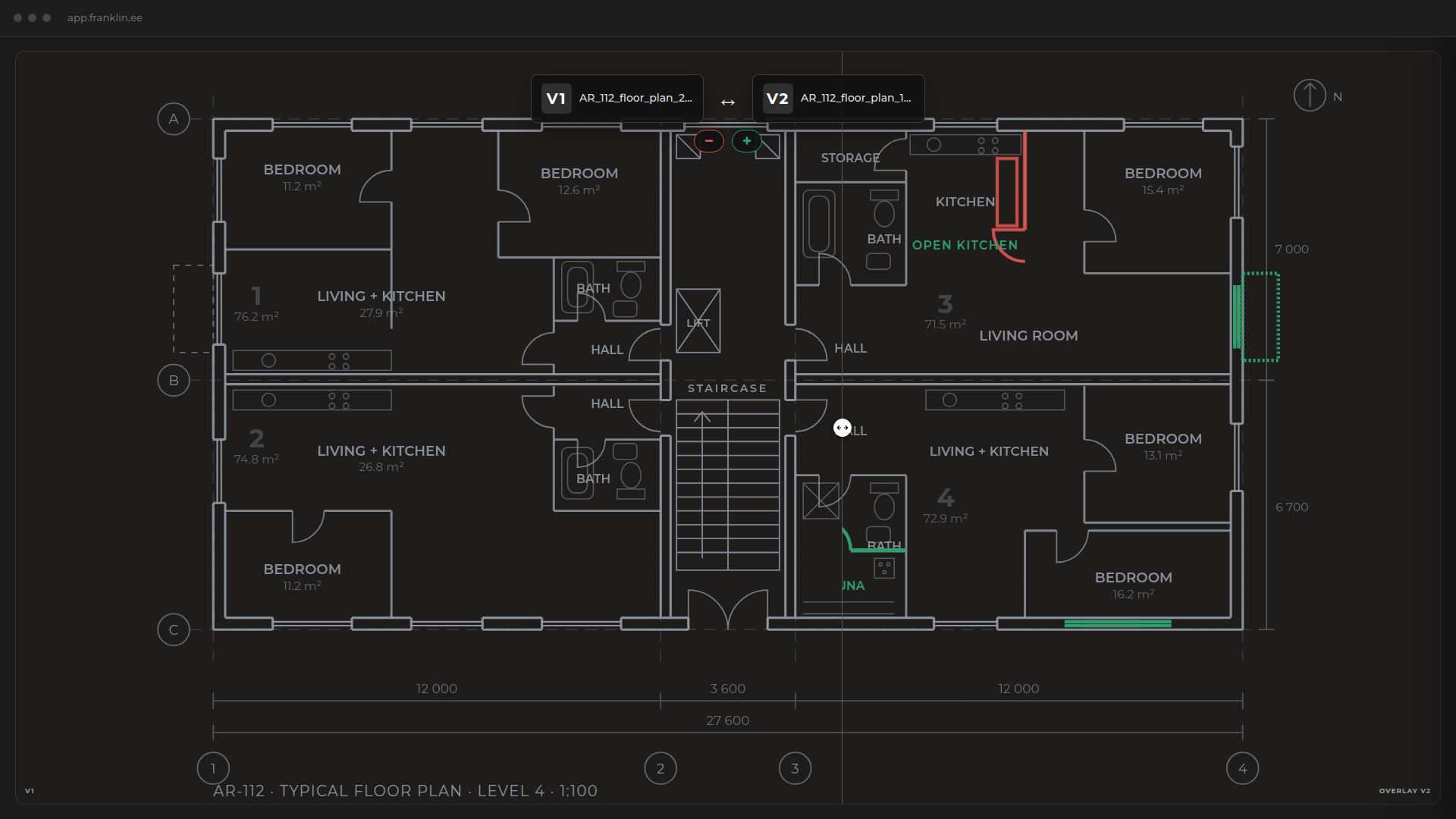
For a technical drawing, for example, you may want to inspect the drawing, measure something or compare it with another version.
This turns the Timeline from a passive archive into a practical navigation layer for the project.
You find when something happened, then go directly to the information behind it.
How does a project timeline help during disputes or later questions?
Many project questions appear long after the event itself.
A consultant remembers one version. The contractor remembers another. The project manager has moved on. The current folder contains the final documentation, but the question concerns something that happened eight months earlier.
Reconstructing that history manually can mean searching through folders, filenames, emails and individual memories.
A chronological project history gives you another starting point:
Go back to the relevant time and see what information was there.
Franklin does not decide who was right or what a document legally proves.
It gives the project team a clearer factual history to investigate.
What happens to all this information after handover?
This is where a project Timeline becomes something bigger.
During design and construction, the Timeline helps project teams understand changing information.
After handover, the same history can become valuable to the people who own and operate the building.
A facility manager may need to find documentation years later.
A building owner may want to understand what happened during a particular renovation.
A new project team may need to understand why an existing solution looks the way it does before changing it again.
They should not have to reconstruct the building’s past from a collection of folders created by people who are no longer involved.
The information already exists.
The challenge is preserving its context.
During the project, it is your project timeline. After handover, it becomes your building history.
From document storage to building memory
Construction document management has traditionally focused heavily on storing and organising files.
That is necessary.
But a building is not a folder structure.
It is the result of thousands of changes, documents, versions and decisions made over time.
Franklin adds that missing dimension to project information:
time.
Instead of preserving only the final state of the building, you can preserve the path that led there.
For the project manager, that means better visibility during the project.
For the owner, it means continuity after handover.
For the facility manager, it means context years later.
And for the next project team, it means they do not have to start by reconstructing the past.
A project creates information. Franklin turns it into building memory.
Frequently asked questions
Construction document management is the process of organising, storing, tracking and retrieving the drawings, reports, specifications and other information created during a construction project.
Franklin adds a chronological layer to that information, allowing project teams to understand not only where documents are stored but how project information developed over time.
Franklin recognises versions of the same document and connects them through their history. This allows you to follow how a document developed instead of treating each revision as an unrelated file.
Use the Timeline to move back through the project’s history and find the relevant document or version. Filters and search help narrow the Timeline by information such as project, date, person, discipline, document, file type or keyword.
Instead of looking only at the current document set, use Franklin’s Timeline to investigate the project at the relevant point in time. You can see which files and versions had been added by then and who uploaded them.
Yes. Franklin’s Timeline organises project information chronologically and can be filtered by date alongside other project information.
Yes. Franklin records who uploaded project information, helping teams understand where documents and versions came from.
Yes. Franklin can show information across projects at building level, while filters allow you to narrow the Timeline to the individual project or information you need.
This allows the history to continue even when one construction project ends and another begins later.
They serve different purposes.
An activity log records detailed system and user activity. A Timeline is intended to make the meaningful history of the project understandable to the people working with the building.
The Timeline answers what happened and when. The activity log provides the underlying record of user and system actions.
Because the building continues to exist long after the original project team leaves.
Owners, facility managers and future project teams may need to understand previous documents, versions and changes years later. Preserving project history keeps that information connected to the building instead of leaving the next team to reconstruct it from an archive.
Franklin’s Timeline is useful for development managers, project managers, technical project directors, BIM managers, building owners and facility managers.
Each may use the history differently, but they share the same need:
to understand what happened to the building and its information over time.
Your project shouldn’t lose its memory when the project ends.
Ask Franklin.