Open Export meeting minutes
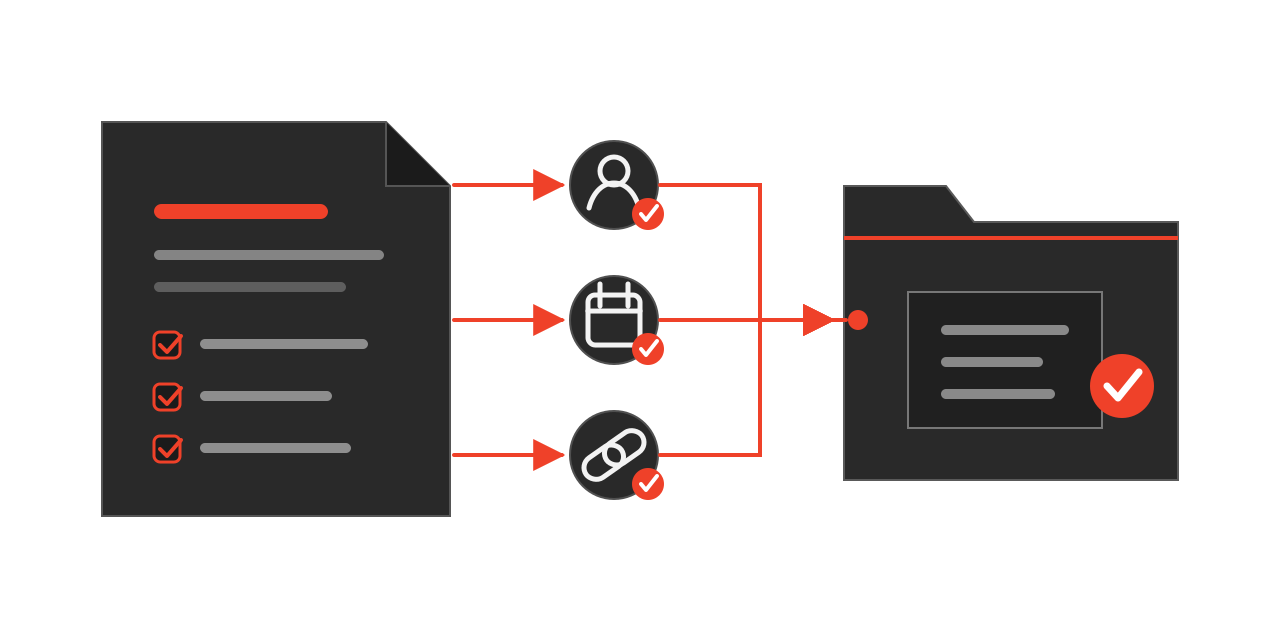
The button sits on the Issues page, above the list you already work in. Nothing has to be prepared first — the minutes are drawn from the issues that are already there.

Decide what counts
Set the timeframe, then the scope.
Issues raised in this period: all new issues, together with related decisions, assigned actions and open questions.
Issues discussed in this period: every issue with activity during the selected period, such as a status change, comment, new due date or reassignment. Each issue appears with its relevant activity, preserving the context of ongoing topics.
Selected period: today
Review before it becomes the minutes
Franklin returns a draft, not a decision. Check names, dates and source references against the original issues. Confirm that every action has an owner, that each decision carries enough context to be understood in a month.
The document is saved to the project, so the minutes sit beside the drawings and contracts they refer to — and every claim in them can be traced back to the issue it came from.